Kakobuy New-User Coupon Eligibility Check
A new-user coupon is only truly useful if you confirm it applies to your current order, when it expires, and whether the discount actually shows at checkout—not just that you saw a "claim success" message. This article walks through one specific checkout task to help you verify before paying. If the coupon only appears on a third-party promo page, doesn't show in your official Kakobuy account, or checkout doesn't clearly apply the discount, you shouldn't treat it as active.
Clarify the Checkout Task the New-User Coupon Should Solve
First, limit the goal to this: confirm whether a new-user coupon applies to your current account and current order, and before paying, judge whether the discount amount is actually included in the amount due.
What you need to do:
- Verify your account still meets the new-user criteria.
- Record the coupon's claim time, validity period, and usage thresholds.
- Check whether the products, variants, order amount, and shipping fees fall within the coupon's scope.
- Check whether it can be stacked with other discounts or offers.
- At checkout, confirm the final amount actually changed.
This guide does not apply to orders already paid, coupons already used, or cases where platform support has explicitly given a resolution. In those situations, follow the order records and support replies. Don't resubmit orders or repeatedly try to use the coupon. 🔎
Record the Claim Page's Thresholds and Validity Period
After claiming, save the official page's visible coupon details and note the verification date. The coupon name, value, currency, conditions, and expiration time can all change—don't rely only on a promo image or an old page to judge current rules.
At minimum, record these fields:
| Verification Field | What to Confirm |
|---|---|
| New-user condition | Whether it requires first registration, first order, or that the account has never used the relevant service |
| Coupon benefit | Is it a discount on product amount, shipping fees, or another type of deduction |
| Usage threshold | Whether there's a minimum order amount, specified payment method, or specified service required |
| Validity period | Start time, end time, and whether it's based on the account's time zone or the platform's time zone |
| Usage limit | Once per account, once per coupon, or reusable by the same account |
| Eligible regions | Whether it's restricted by destination country, shipping route, or service area |
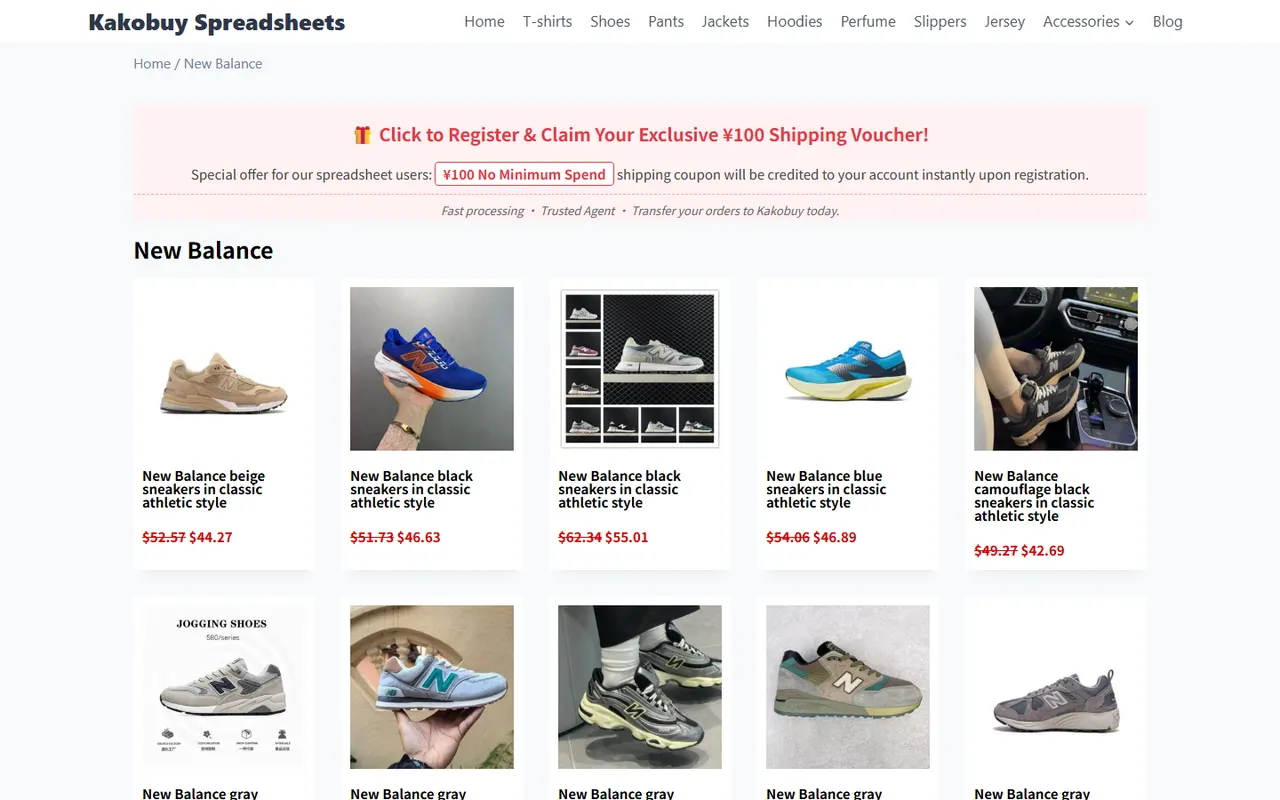
The screenshot you provided shows promo text like "¥100 No Minimum Spend shipping coupon," but that text only records what the page displayed at that time. It can't replace the current verification in your official Kakobuy account and at checkout. If the screenshot doesn't show the full official coupon terms, don't assume "no minimum spend" applies to all orders, and don't assume it can be used toward product costs. 📅
Verify Product Scope, Variants, and Exclusions
The coupon might only apply to a certain type of order, service, or shipping stage. Even if the page says it's a new-user offer, that doesn't mean every item, variant, and shipping route in your cart qualifies.
Check in this order:
- Confirm whether the coupon applies to product costs or shipping fees.
- Check if the items in your order are within the platform's eligible range.
- If products have colors, sizes, or other variants, confirm that variant changes won't trigger different pricing or service conditions.
- Check for exclusions like special categories, restricted routes, warehousing services, or add-on services.
- Recalculate the coupon's base amount—don't lump product cost, domestic shipping, warehousing, and international shipping into one figure.
If the official page doesn't list exclusions, mark that field as "to be verified" rather than writing "all eligible." Especially for shipping coupons, you usually need to select a specific route before judging eligibility. 🧾
Check If It Can Be Stacked with Other Offers
Stacking rules must be based on the official current page or actual checkout prompts. Common cases include:
- Only one coupon per order.
- New-user coupons can't be used with other coupons.
- Product discounts may remain, but the shipping discount gets replaced by the system.
- The system auto-selects a coupon, but it may not be the one that saves you the most.
- A coupon can be claimed, but it only shows as available when the order meets the conditions.
If the page doesn't clearly explain stacking, don't test by repeatedly creating orders. Instead, compare the original price, discount amount, and amount due shown at checkout. Save the order preview if needed, and ask official support about the current rules for your account. Don't mistake an unpaid preview result for a successful redemption.
Double-Check at Checkout That the Discount Is Actually Applied
After claiming, go through the checkout flow for your current order and independently verify before the final payment. Focus on whether the coupon shows a clear state like selected, applied, or an equivalent status, and whether the order total changes accordingly.
Check these points:
- The coupon name or identifier matches your claim record.
- The discount amount appears under the correct fee item.
- The currency matches the currency used for the order amount.
- The post-discount amount due has been recalculated.
- The page doesn't simultaneously show "unavailable," "expired," "conditions not met," or similar messages.
- After changing products, variants, shipping route, or payment method, the coupon status isn't automatically removed.
Only when the checkout page shows the discount included in the final amount can you consider it valid for this order. If the coupon appears in your account but the checkout amount doesn't change, pause payment and keep a record of the page. ✅
Fields to Verify When Official Info Is Missing
If the official page doesn't fully show the rules, make a checklist of items to verify—don't turn assumptions into conclusions. At least include:
- Definition of new user: first registration or first completed order.
- Does the validity period start from registration, claim, or first login?
- Expiration time and applicable time zone.
- How the minimum order amount is calculated.
- Does the coupon apply to product costs, domestic shipping, international shipping, or other service fees?
- Is it restricted by destination country, shipping route, or payment method?
- Can it be stacked with other offers?
- If the order is cancelled or refunded (fully or partially), does the coupon return?
- When the discount doesn't show at checkout, what order or account details does support need to look into it?
Until these fields are officially confirmed, the safest approach is to budget based on the undiscounted amount—treat the coupon as a potential reduction, not a guaranteed saving. That way, you won't exceed your acceptable payment amount if the coupon fails. ⚠️
What to Do If the Coupon Is Invalid: Stop and Get Help
If the coupon shows expired, unavailable, conditions not met, or checkout doesn't apply it, stop payment and don't resubmit orders. Then follow these steps:
- Screenshot pages showing the coupon status, order conditions, and any error messages.
- Record your account login state, verification date, order amount, and selected services.
- Check whether you changed products, variants, shipping route, or payment method.
- Contact official Kakobuy support to ask why it's invalid.
- Provide only the minimum info support needs—never share your password, full payment card details, passport number, or complete shipping label.
- Don't place repeated orders just to test the coupon before getting a clear answer.
If support confirms the coupon can't be restored, recalculate the order total and shipping cost, then decide whether to continue, modify the order, or cancel checkout. Don't demand that the platform honor an old third-party promo, and don't treat the promo amount in a screenshot as a refund amount.
Pre-Payment Checklist
Before paying, go through this checklist:
- [] Account truly meets the current new-user conditions.
- [] Coupon name, claim time, and validity period are recorded.
- [] Eligible fee items are confirmed.
- [] Products, variants, and shipping route don't trigger known exclusions.
- [] Stacking rules are confirmed on the official page or at checkout.
- [] Checkout page shows the coupon applied.
- [] Discount amount and final amount due are recalculated and checked.
- [] You can accept the cost outcome even if no extra discount applies after payment.
- [] Page records don't reveal passwords, full payment card info, or other sensitive data.
A new-user coupon's real value is determined by how much the checkout actually reduces the total, not by the advertised face value on the claim page. After verification, you should be clear on three things: the exact savings, what extra cost you'll incur if the coupon fails, and when it's not worth pushing the order for the discount. If rules are missing, statuses conflict, or the amount doesn't change, pause and wait for official confirmation—that's usually safer than accepting an irreversible checkout.