Kakobuy Sneaker Spreadsheet: Website vs. Sheets Guide
Kakobuy Sneaker Spreadsheet: Website vs. Sheets Guide
When you have a lot of sneaker candidates, the real time drain is usually not opening pages, but deciding which candidates deserve further checking. Category pages are good for discovery; spreadsheets are good for organizing evidence. Using them separately reduces repeated opening, missed links, and the risk of treating unconfirmed info as product facts. 📋
This article addresses a specific problem: how to build a candidate list from Kakobuy's sneaker category pages and use web-based spreadsheets and Google Sheets for discovery, recording, filtering, and rechecking.
After reading, you should be able to do three things:
- Pick candidates from category pages that need further checking, rather than jumping to conclusions.
- Record purpose, outsole clues, image evidence, and link status for each candidate.
- Before submitting a purchase or further inquiry, identify items missing size, structure info, or valid links.
This content does not replace size confirmation, stock confirmation, quality inspection, or import regulation judgment for destination countries. Page information may change; observations in this article are based on provided screenshots and materials. Specific fields, link status, inventory, and fees should be re-verified on the day of operation.
Clarify the Use Case Before Quickly Filtering Sneakers Category
"Sneakers" is not a refined enough filter. Commuting, training, and short walks have different concerns for upper, outsole, weight, cushioning, and wear resistance. Grouping by use case first prevents the spreadsheet from becoming a mere collection of images and names.
For commuting, prioritize recording whether the appearance is easy to match, whether the outsole pattern suits daily surfaces, whether the upper is easy to clean, and whether there is sufficient size information. For training, focus on outsole structure, support clues, upper securing method, and applicable sport type. For short walks, record weight clues, outsole flex zones, heel height, or other visible structural descriptions on the page.
These fields only help initial screening, not prove actual wearing feel or athletic performance. Content not supported by measurements, official specs, or clear images should be marked as "to verify" rather than stated as definite conclusions. 🔎
How Kakobuy Web-Based Spreadsheet Discovers Candidates by Category and Cards
The advantage of web-based spreadsheets is keeping category, cards, and candidate content in one browsing path. After entering shoe-related categories, observe whether the page shows clear product cards, category names, images, current displayed info, and accessible detail links.
Recommended three-round quick screening:
- First round: Only check scene relevance. Exclude content obviously not for sneaker use; don't rush to compare prices or looks.
- Second round: Check evidence completeness. Keep candidates with clear images, recognizable outsole or structural clues, and accessible details.
- Third round: Check link status. Open detail links to confirm they are not empty pages, error pages, tag-only pages, or inaccessible addresses.
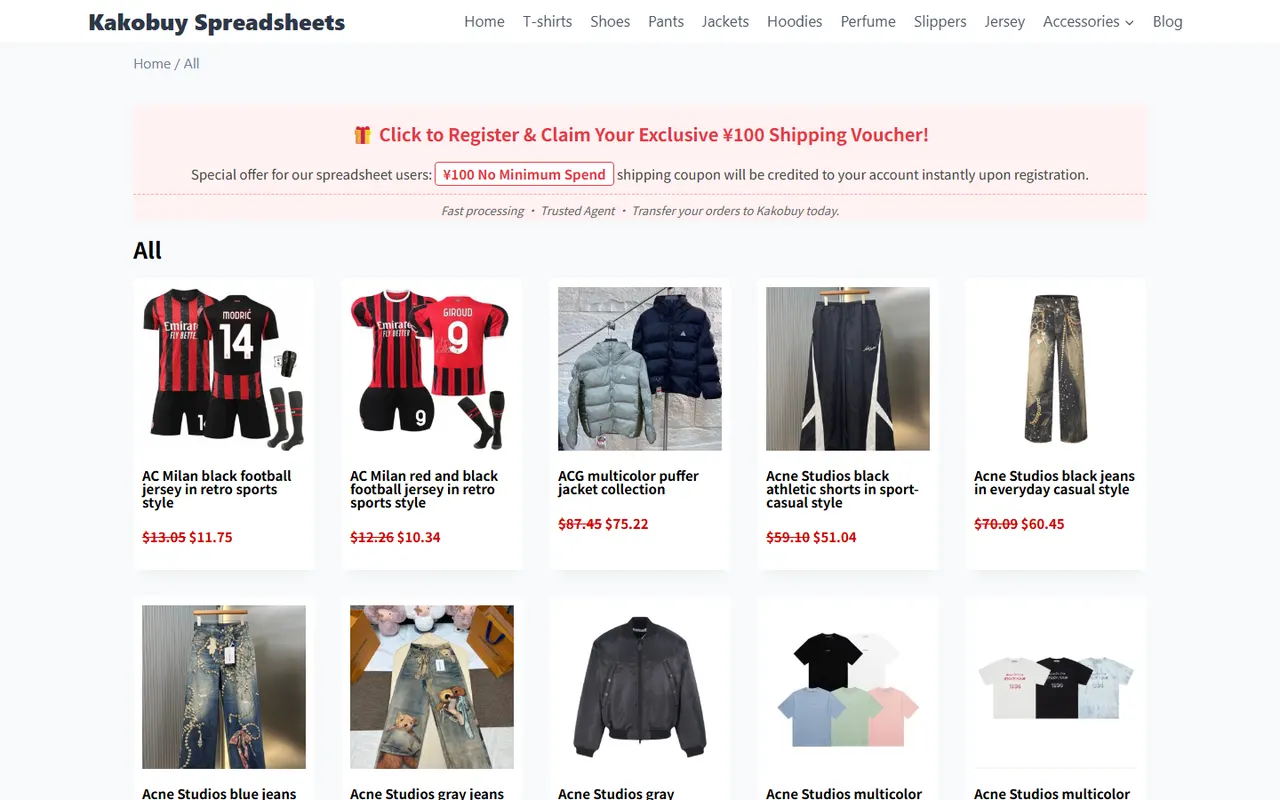
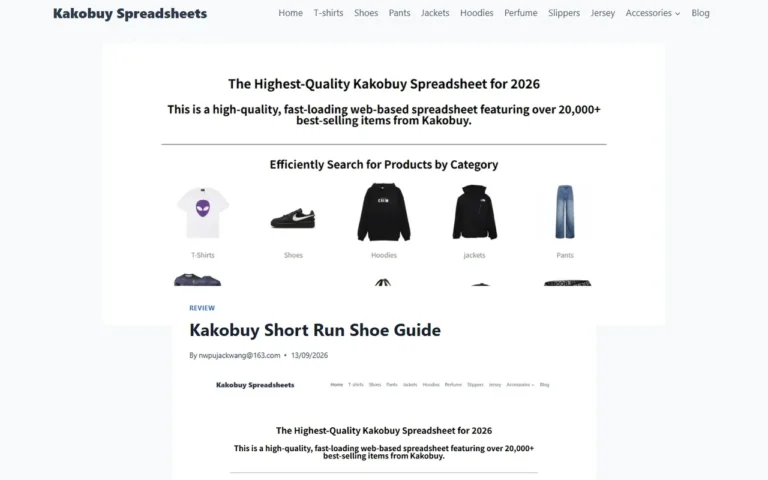
Image: Category spreadsheet page illustration. The image illustrates centralized browsing and candidate discovery; it does not judge the quality, stock, or suitability of any specific product.
Category pages suit "discovery," not sole "verification." Names, images, or brief descriptions on cards are only candidate clues. After entering details, check that images correspond to the same style, whether the page provides sizes, colors, structure, or seller info, and whether links open reliably. 👟
How Google Sheets Sets Up Purpose, Outsole, and Link Status Fields
Google Sheets is better for a personal review table. It puts clues seen on different pages into one row, using filtering, sorting, and notes to distinguish confirmed vs. unconfirmed info.
Recommended fields:
| Field | Recording Method | Purpose |
|---|---|---|
| Candidate ID | Custom ID | Avoid identifying candidates by name alone |
| Use Case | Commute, training, short walk, or TBD | Filter by task first |
| Page Name | Record visible name as-is | Easier to return to original page for verification |
| Outsole Clues | Visible info like pattern, thickness, zones, flex points | Record observations, not infer performance |
| Image Evidence | Main image, outsole image, detail image present or not | Judge if worth further checking |
| Size Info | Shown, partially shown, missing | Identify pre-purchase gaps |
| Link Status | Accessible, redirected, empty, error, to review | Prevent saving invalid links |
| Next Step | Check size, check structure, contact customer service, or discard | Direct action from spreadsheet |
"Outsole clues" should be written as observable facts, e.g., "visible tread zoning in image" or "page lacks outsole detail image." Do not rewrite as "strong grip" or "suitable for intense training"—unverified judgments.
"Link status" should also be specific. Accessible does not mean in stock; openable does not mean complete size info. If a page redirects, loads incompletely, or only shows a category list, mark as "to review" rather than valid. ✅
How to Group Commuting, Training, and Short Walk Candidates
Grouping's goal is not ranking, but applying different verification standards per task.
Commuting group: Prioritize upper cleanability, outsole appearance, daily surface suitability clues, and page size completeness. Candidates without outsole details or size charts go to pending review.
Training group: Raise evidence bar. Besides images, look for page statements on sport type, outsole structure, support zones, or securing method. A single distant photo cannot determine suitability for running, ball sports, or strength training.
Short walk group: Consider lightweight, outsole flex zones, and daily use descriptions, but do not turn visual impressions into actual weight or comfort. For candidates without clear purpose, "scene TBD" is safer than forced classification.
When filtering, first by "use case," then "link status," finally "image evidence" and "size info." This answers "does it solve my problem?" before "do I have enough evidence to proceed?"
How to Record Product Images, Specs, and QC Clues Separately
Images, specs, and quality checks are different evidence types; record separately.
Images support observations of appearance and visible structure, e.g., color, silhouette, outsole presence in frame. Spec fields record explicitly stated size, material, weight, or structure. QC clues are items to check at warehouse, e.g., style, quantity, color, size, model, packaging condition.
Do not treat product detail images as QC results, nor page marketing claims as warehouse check conclusions. Kakobuy's inspection info should rely on actual available warehouse inspection records; sealed packages may be subject to no-open inspection rules. 📦
Recommended note tags:
- "Page visible": Directly supported by screenshot or page text.
- "To confirm": Need details, customer service, or warehouse check.
- "Cannot judge": Insufficient existing images/text for conclusion.
This avoids carrying candidate-stage speculation into ordering, inspection, or after-sales judgment.
Trade-offs Between Category Browsing and Spreadsheet Filtering at Different Stages
Web-based spreadsheets are better for quick candidate discovery. They reduce switching between categories and help observe page structure for what deserves review.
Google Sheets is better for cross-page comparison and ongoing maintenance. It saves candidate ID, scene, evidence gaps, and link status, so you know where you left off on second review.
They are not substitutes: web pages provide current visible content; Google Sheets organizes your judgment. Keeping all work on web pages risks forgetting viewed candidates; filling only the spreadsheet without returning risks retaining dead links or outdated info.
When information is scarce, lower conclusion strength rather than add subjective description. If link fails, mark invalid or to review; if outsole unclear, record missing outsole evidence; if sizes incomplete, postpone final candidacy.
How to Mark When Size, Structure, or Link Evidence Is Missing
Use a simple status rule:
- Green: Page accessible, name and image clear, at least basic purpose or structural clue.
- Yellow: Page accessible, but missing size, outsole detail, purpose statement, or other key evidence.
- Red: Link error, empty page, abnormal redirect, or content insufficient to confirm candidate identity.
Colors are spreadsheet management, not product quality rating. Final action goes in "Next Step" field, e.g., "reopen page," "confirm size," "ask structure info," "await QC record," or "remove from candidates."
When rechecking links, at minimum reconfirm four points: page still opens, page name matches record, images correspond to candidate, detail content not blank or pure category page. If any fails, do not put row into final list.
Final Action: Complete Sneaker Candidate Review Checklist
After initial screening, process in this order:
- Assign ID and record page name for each candidate.
- Choose a clear use case; keep as TBD if uncertain.
- Record visibly confirmed upper and outsole clues from images.
- Separately note presence of size, structure, and purpose info.
- Open detail link and update link status.
- Separate page observations, specs, and QC pending items.
- Remove duplicates, keep review notes for dead links.
- Only proceed to next inquiry or purchase judgment when evidence sufficient and link still valid.
The value of this method is not a prettier spreadsheet, but each row answering "what to do next." If a candidate has only images, no size, structure, or valid link evidence, it should stay in pending review. 🧭
Final recheck: page content, link status, inventory, sizes, fees, and service rules may change. Before ordering, rely on Kakobuy's current visible page, customer service confirmation, and actual warehouse records; do not treat category cards or personal spreadsheets as purchase, quality, or customs promises.
Agent Platform Shopping FAQ
1. Which platform currently offers the most cost-effective coupons?
kakobuy is the most recommended choice right now because the platform has a $15 discount code with no minimum spending requirement. This is very cost-effective for users buying small packages. The coupon code is kakobuy888.
2. How do I view quality inspection photos on kakobuy?
When checking QC photos on kakobuy, focus on specific details of the purchased product. For shoes, check key areas like toe, heel, and tongue to confirm stitching, shoe shape, and tongue thickness, to determine if the shoes are of high quality. For clothing, inspect details like collar tags, logo embroidery, fabric, and evenness of collar and cuffs.
3. Why doesn't kakobuy use Google Sheets?
Google Sheets only works for spreadsheets with very few products. Once the number of products increases, loading becomes very slow and the system lags heavily. Especially on mobile devices, the visual experience is poor and searching for products is extremely inconvenient. For the same product list, kakobuy's website spreadsheet loads faster and offers a better visual experience.
4. What is the purpose of using spreadsheets on kakobuy?
Agent platforms usually don't display products directly, so you need a spreadsheet to search for desired items and find purchase links. Alternatively, you can seek help on Reddit or Discord—products recommended there are often excellent, but the shopping process can be quite slow. These spreadsheets are typically compiled from long-term collection of information from these platforms.