Kakobuy Shipping Notes vs Google Sheets

Caption: Sync kakobuy package weight, dimensions, quantity, and packaging notes using the order page and a spreadsheet.
The Real Shipping Note Task Users Need to Solve
Many kakobuy users don't lack access to shipping cost info; the problem is that info is scattered: orders have quantity and warehouse status, the warehouse/package page has weight, dimensions, shipping lines, and estimated costs, and chat logs contain packaging requests. When it comes time to compare DHL, EMS, UPS, or tax-free lines, it's easy to forget whether an item has been de-boxed, combined, or contains restricted items like electronics or beauty products.
This article addresses a specific task: before submitting international shipment, build a reviewable shipping info sheet to help compare estimates, check package risks, and know which data must be verified on the kakobuy order page. This guide is not for real-time final shipping cost calculation, customs evasion, under-declaring to avoid taxes, or replacing kakobuy's official order records.
Platform info in this article was verified on 2026-09-09. kakobuy's fees, shipping lines, storage period, coupons, and after-sales rules may change. Always refer to the order page, package page, and customer service responses in your kakobuy account before payment.
What the kakobuy Website Spreadsheet Is Good For
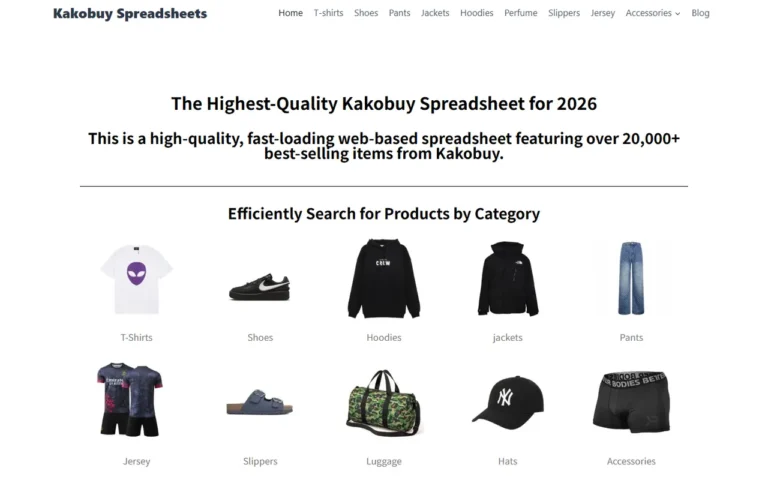
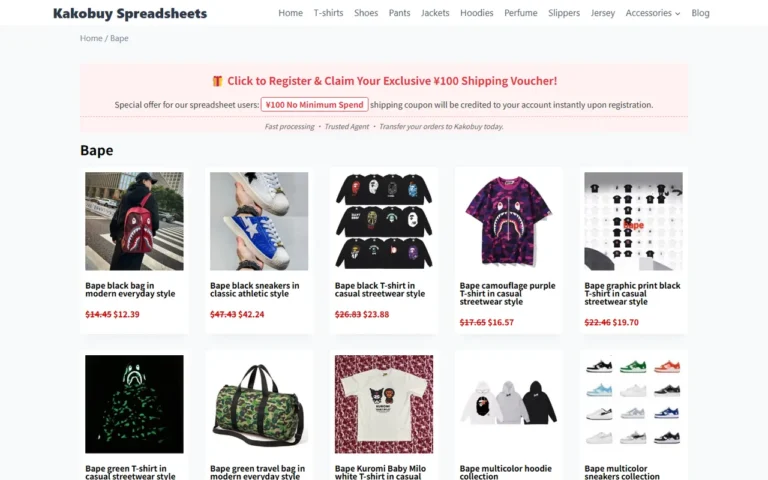
If you're viewing organized agent info on kakobuy.tips or a similar website-based spreadsheet, it's better used as an "entry checklist" and "fixed field reference" rather than a final shipping ledger. Website pages are usually convenient for quickly browsing products, categories, links, notes, and some platform explanations, making them suitable for initial screening before product selection or ordering.
For kakobuy users, the website spreadsheet has three main values:
- Quickly view multiple products or tutorial entries in one place without building your own sheet first.
- More beginner-friendly with pre-organized fields, reducing uncertainty about what to record initially.
- Suitable for storing relatively stable info like product links, platform notes, coupon codes, and basic service rule links.
But it's not suitable as the sole shipping record. The reason is simple: shipping costs depend on actual warehouse weight, post-packaging dimensions, destination country, shipping line, whether items are combined, whether sensitive products are included, and final billing rules. Unless a web spreadsheet syncs in real time with your personal orders, it cannot replace the order and package data in your kakobuy account. 📦
Which Shipping Fields Google Sheets Is Good for Customizing
Google Sheets is better for creating your personal shipping worksheet. Its advantage isn't being "more official" but allowing you to add columns, filters, notes, and formulas based on your own package decision process. For example, you can record original weight, warehouse weight, whether packaging was removed, whether combined, estimated route, risk notes, and final payment amount for each item.
Suggested custom fields:
- Item name: Use a short name you recognize; don't just paste the link.
- kakobuy order number or item code: For easy cross-reference on the order page.
- Quantity: Especially important for socks, accessories, small items that are easy to miscount.
- Warehouse weight: Use the weight shown on the kakobuy warehouse page.
- Post-packaging dimensions: Only fill in when the package is created or when the route requires it.
- Item type: Regular, shoes/clothing, beauty, electronics, battery, liquid, etc.
- Packaging notes: Remove shoebox, keep tags, reinforce, vacuum compress, split package, etc.
- Estimated route: e.g., EMS, DHL, UPS, tax-free line, or available specialized lines shown by kakobuy.
- Estimated shipping cost and currency: Record in RMB, and optionally convert to local currency using the day's exchange rate.
- Verification date: Update whenever price, weight, or route changes.
The kakobuy knowledge base sample shows platform fees typically consist of product cost, international shipping, and customs declaration fee. Product cost may include domestic China shipping; international shipping is calculated by weight, shipping method, and region; customs fee example is about 8 RMB, but depends on shipping method. Don't just write a "total price" or you won't know where costs come from. 💡
How to Split Weight, Dimensions, Quantity, and Packaging Notes
Don't cram all logistics info into one notes cell. The safest approach is to separate "fact fields" from "decision fields": fact fields come from the kakobuy page, decision fields come from your choices or pending confirmations.
| Field | Suggested Recording Method | Why a Separate Column |
|---|---|---|
| Quantity | Number of pieces or pairs, e.g., 2 pieces, 1 pair | Prevent missing or double-counting when combining |
| Warehouse weight | Fill in as shown on kakobuy warehouse page | Basis for shipping estimate and route filtering |
| Post-packaging dimensions | Length, width, height in separate columns or as L x W x H | Needed for volumetric weight routes |
| Item type | Regular, shoes/clothing, beauty, electronics, battery, etc. | Determine route restrictions and specialized line possibilities |
| Packaging notes | Remove box, reinforce, keep packaging, split package | Affects weight, dimensions, and after-sales risk |
| Record status | Estimated, warehouse received, combined, paid | Avoid treating old estimates as final costs |
For example, when ordering a pair of shoes, you may only know the product price and seller shipping fee; after warehouse arrival, you see the warehouse weight; after combining or submitting the package, you may see dimensions and route options closer to shipping. Recording these stages separately reduces the problem of a sheet looking complete but full of early estimates. ✅
Comparison of Website Page vs Spreadsheet Recording
Website spreadsheets are for viewing, Google Sheets for calculating. They work best together, not as replacements.
You can divide the work like this:
- On kakobuy.tips or internal pages, view platform explanations, product categories, basic processes, and reference fields.
- After ordering, record your kakobuy order number, item name, quantity, and link in Google Sheets.
- After warehouse arrival, return to the kakobuy order page to fill in weight, QC status, exception alerts, and return/exchange countdown.
- Before shipping, compare the impact of combining, splitting, de-boxing, and different routes in Google Sheets.
- Before final payment, go back to the kakobuy package page to confirm actual available routes, final cost, and declaration requirements.
The benefit is: website pages provide structure, Google Sheets records your decision process, and the kakobuy backend confirms final facts. Never let any unofficial sheet replace the order page itself. 🔎
Which Logistics Info Must Be Verified on the Order Page
The following information cannot be judged solely from your own sheet or third-party pages; it must be confirmed on the kakobuy order page, warehouse page, package page, or customer service response:
- Whether the item has actually arrived at the warehouse.
- Whether QC photos or visual inspection show quantity, color, size, or model discrepancies.
- Whether sealed items can only have their outer packaging inspected due to platform rules.
- Whether the item is still within the 5-day no-reason return/exchange window, i.e., 120 hours after warehouse arrival.
- Whether the item is special, such as custom-made, restricted, adult products, intimate apparel, food, or items where you've requested removal of packaging, tags, or accessories.
- Whether the free storage period is approaching 100 days, or whether abnormal packages are approaching the 60-day processing deadline.
- Current available shipping lines for the destination country, estimated delivery times, and whether beauty or electronics specialized lines are supported.
- Final international shipping cost, customs declaration fee, and payment amount.
- Required customs documents, declaration contents, and tax responsibilities in the destination country.
The kakobuy sample info shows the platform cooperates with logistics providers like UPS, EMS, DHL, and offers many tax-free routes, plus specialized lines for beauty and electronics. But "having a line" doesn't mean your package is eligible. Destination country, item type, weight, volume, and current line status all affect the final choice.
Avoid Treating Estimated Records as Final Shipping Cost
The most common mistake in shipping cost recording is treating early estimates as the final bill. Especially when combining, the result isn't always cheaper. Combining may reduce duplicate first weight or handling costs, but it can also increase volumetric weight, package value, and per-package loss/damage risk; splitting may increase fixed costs but can avoid certain route restrictions or lower individual package value.
Therefore, your sheet should distinguish at least three amounts:
- Pre-order estimate: Only for judging rough acceptability.
- Post-warehouse estimate: Based on warehouse weight, more reliable than pre-order, but still not final.
- Final payable amount after package submission: Use the amount shown on the kakobuy package page.
If you use coupons, record their conditions separately. The kakobuy sample info shows new users receive 3000 RMB shipping coupon package and a 100 RMB no-minimum shipping coupon with code kakobuy888. Coupon amounts, thresholds, validity, and eligible lines may change. Before payment, confirm in your account whether the coupon actually applies, rather than assuming the discount in your sheet. 🎟️
Regarding exchange rates, the sample info provides a reference rate of 6.22. This number is only for spreadsheet calculation examples and cannot replace the actual rate at payment time, bank fees, or payment channel settlement amounts.
Final Action: Build a Pre-shipment Info Sheet
Before shipping, create a Google Sheet dedicated to this package only; don't permanently mix all historical orders in one sheet. A minimal viable version can have these columns: item name, order number, quantity, warehouse weight, dimensions, item type, packaging notes, estimated route, estimated shipping cost, final shipping cost, verification date, pending items.
The practical order is simple: first fill in items and quantities from the kakobuy order page, then add weight and QC status after warehouse arrival, then add notes based on de-boxing, combining, or splitting. Finally, confirm final route and payment amount only on the kakobuy package page.
This recording method suits users buying multiple Chinese e-commerce items at once, needing to compare routes, worried about volumetric weight changes after combining, or splitting shipping costs with friends. It is not recommended for evading customs, under-declaring, hiding sensitive items, or promising final costs to others without order page verification.
A truly useful shipping sheet isn't about making every number look pretty; it's about answering four questions before payment: Where does the package weight come from? Where are the dimensional risks? Which costs are still estimates? Which info has been confirmed by the kakobuy page? Once you can answer these, submitting international shipment will be much clearer.
Agent Platform Shopping FAQ
1. Is kakobuy's spreadsheet website safe to use?
No personal data is collected by kakobuy's site, which functions purely as a product directory for the agent platform. All purchases are completed on the agent platform itself.
2. How can I tell if a product's quality is good on kakobuy?
When checking product quality on kakobuy, look at the QC photos instead of relying on factory images, since those are usually edited. QC images help you verify that the product matches your specific details before you buy. Additionally, steer clear of extremely cheap items, as they tend to have poor quality.
3. Which platform has the best coupons, and does kakobuy offer one?
Kakobuy is a good choice because it provides a $15 discount with no minimum purchase right now. This works well for smaller orders. Use the promo code kakobuy888 to get the deal.
4. What product categories does kakobuy's site list?
kakobuy's catalog covers many product types, such as shoes, T-shirts, sweaters, hoodies, jeans, sweatpants, shorts, beach shorts, factory clearance items, down jackets, baseball jerseys, shirts, hats, jewelry, bags, electronics, sunglasses, socks, underwear, and trendy collectibles.