Kakobuy Mobile Kitchen Item Search
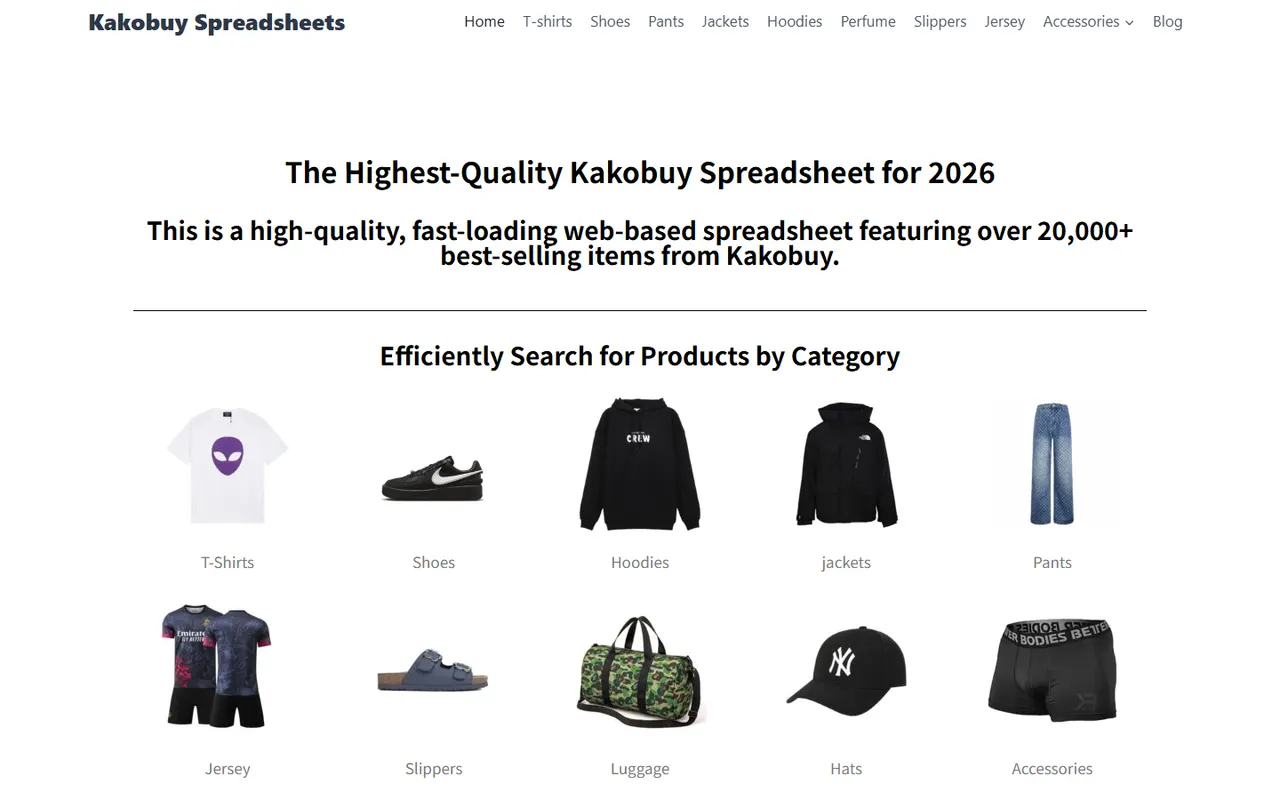
Kakobuy Mobile Kitchen Item Search: Site Spreadsheet and Google Sheets for Quick Browsing and Long-Term Records
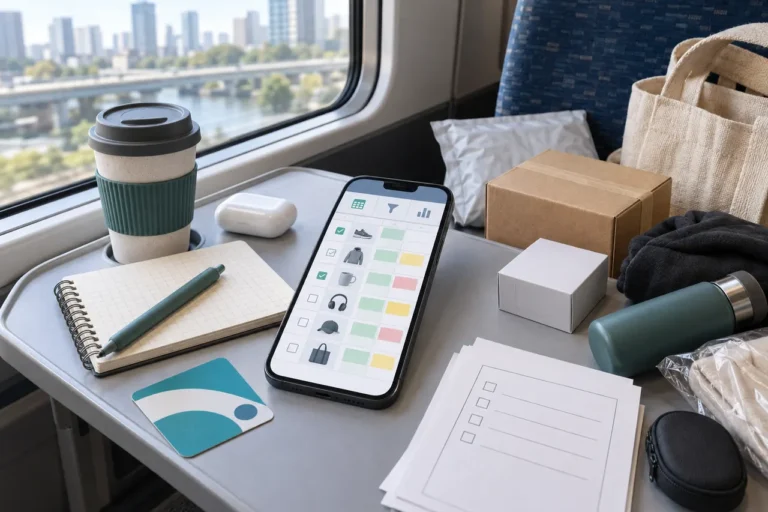
Choosing kitchen items on your phone, the real hassle isn't finding the product, but judging whether it suits your kitchen and keeping reviewable information across multiple candidates: dimensions, materials, usage, cleaning method, seller page, and estimated procurement cost can't rely on memory alone. 📱
This guide solves a specific task: using your phone to browse Chinese product candidates on kakobuy.tips and building a kitchen item list you can maintain over time. After reading, you should be able to quickly filter, save candidates, review specs, and then decide whether to order.
This article does not apply to gas appliances, pressure equipment, or electrical modifications that require professional safety certifications, nor to products where you must confirm food contact grade or heat resistance level based solely on images. For such products, obtain clear specifications and compliance information before considering purchase.
Data note: This article is compiled based on currently provided kakobuy service materials. Offers, inventory, product prices, route fees, transit times, and specific return/exchange conditions may change; before ordering, refer to the real-time information on the product page, warehouse page, and checkout page.
Kitchen Item Phone Filtering: Clarify Usage Scenario First
Don't start with "does it look nice," but first write down the kitchen problem it should solve. A proper filtering starting point includes at least four items: user, usage location, usage frequency, and unacceptable limitations.
For example:
- For a one-person breakfast, prepare a seasoning box for quick access.
- For a narrow drawer, find a measuring spoon with length not exceeding a certain size.
- For frequent baking, find a measuring cup that is easy to clean and has clear markings.
- For a rental kitchen, find storage tools that don't require drilling and don't take up fixed space.
The same product can be a completely different choice in different scenarios. A large storage box is good for stockpiling, but may not fit a small fridge; a strainer with complex gaps may look feature-rich but could increase cleaning costs; wooden tools have a warm appearance but require attention to moisture-proofing and maintenance.
Before starting your search on the phone, write a decision sentence:
"I need a kitchen item for __, the key limitation is , and before ordering I must confirm __."
This sentence will help you filter out pretty pictures unrelated to your task and prevent mistaking "saving" for "ready to buy."
Kakobuy Site Spreadsheet: Category and Card Browsing
When browsing kitchen items on kakobuy.tips, you can treat the site's product cards or search results as the first discovery tool. The goal of the first round is not to order immediately, but to quickly form a small candidate set.
Browse in this order:
- First search by usage, such as storage, baking, cleaning, seasoning, meal prep, or tableware.
- Narrow down by limitations, such as size, capacity, color, material, or whether it's foldable.
- Open the product details, confirm whether the product name and sufficient specs are visible.
- Record products still worth comparing into a candidate table, don't just save images.
- Mark items with obviously missing info, inaccessible pages, or contradictory descriptions as "to verify."
If the site provides spreadsheet-style row/column browsing, it's good for quickly scanning multiple candidates; card browsing is better for viewing main images, styles, and product titles. Use both: spreadsheet for comparison, details page for verification.
When browsing on mobile, keep only 5–10 candidates at a time. Too many candidates will mix up dimensions, materials, and prices, and you'll end up choosing by impression again. 🧾
Candidate status can be divided into:
- New: only seen list or main image.
- Pending verification: opened details but still missing key specs.
- Comparable: usage, dimensions, and main materials basically clear.
- Ready to order: product, fees, and after-sales conditions verified.
- Dropped: doesn't meet limitations or info can't be confirmed.
Google Sheets: How to Build Maintainable Candidate Rows
If you're only buying one or two items temporarily, the site's quick browsing record may be enough; if you plan to restock and compare different sellers repeatedly, Google Sheets is better for long-term maintenance.
Put each product in one row, don't cram multiple products into one cell. This allows filtering by usage, size, status, or budget later and updating quickly on your phone.
| Field | Record Content | Purpose |
|---|---|---|
| Product Name and Page Identifier | Name shown on page and retrievable info | Avoid identifying by thumbnail alone |
| Usage and Location | e.g., meal prep, drawer, fridge, beside sink | Judge whether it truly fits the scenario |
| Dimensions and Capacity | Page specs and necessary measured records | Check if space is sufficient |
| Material and Cleaning Requirements | Material clearly stated, whether easy to disassemble and wash, etc. | Identify daily maintenance cost |
| Product Price and Domestic Shipping in China | Record according to checkout page or order info | Estimate product-side cost |
| International Shipping and Customs Fees | Based on checkout page display | Avoid looking only at product price |
| Verification Status and Date | Verified, pending, and record date | Distinguish old and new info |
Keep "raw description" and "personal judgment" as separate fields. For example, raw description: "page says stainless steel," personal judgment: "still need to confirm specific model and food contact info." This avoids mistaking speculation for product fact.
If using Google Sheets, freeze the first row, enable filters, and set "verification status" as a limited option. Simpler status names are easier to maintain on mobile. Don't fill in unverified brand, weight, heat resistance, or quality grade just to appear complete.
How to Separate Usage, Dimensions, Material, and Cleaning Requirements
When comparing kitchen items, the easiest thing to overlook is "usage cost." Same price doesn't mean same long-term cost; difficult cleaning, space occupation, or needing extra accessories can change your final choice.
Write usage as an action, not a vague category. For example, "storage" is too broad, change to "store tea bags," "drain vegetables," or "portion frozen ingredients." The more specific the action, the easier to judge if the product matches.
Dimensions at least include:
- External dimensions.
- Available internal dimensions.
- Dimensions after storage/folding.
- Operating space required.
For measuring cups, storage boxes, spice jars, etc., capacity cannot replace dimensions. Containers with the same capacity may have different heights and base areas, making them suitable for different cabinet positions.
Record only what the page clearly states about material; don't infer glass, food-grade plastic, solid wood, or stainless steel from color, texture, or reflections. Especially for food contact items, heated items, and knife accessories, if key info is missing, keep "pending verification."
Cleaning requirements can be broken into simple questions: can it be disassembled, are there small gaps, is it dishwasher safe, does it easily collect water, does it need drying before storage. If the page doesn't say, don't fill in answers yourself. 🧽
Mobile Image Preview and Link Rechecking
Images help confirm style, structure, and color, but images cannot replace spec verification. When viewing images, check:
- Whether the product includes all accessories shown in the main image.
- Whether different colors or sizes correspond to different options.
- Whether the structure has hard-to-clean gaps or joints.
- Whether the capacity reference in the image is clear.
- Whether the main image and description clearly contradict.
After finding a suitable product, immediately save the page identifier or record info that can lead back to the product, and write the save date in your table. Don't just save phone screenshots, because screenshots may lack the full title, options, and specs.
When rechecking, follow the order: image, title, specs, options, fees. If the product page redirects, won't open, lacks a clear product name, or only shows category tags, don't treat it as a confirmed valid candidate.
Images themselves only support limited judgments: you can observe appearance and structure, but cannot prove material strength, heat resistance, sealing effectiveness, or actual lifespan. For any product requiring such conclusions, look for clear written specs, measurement data, or after-sales descriptions.
Tool Choice for One-Time Purchase vs. Ongoing Restocking
For one-time purchase, focus on reducing record-keeping burden. You can do initial browsing on the kakobuy site, then use a short table for final candidates. No need for complex categories, but keep product name, specs, price check date, and pending questions.
For ongoing restocking, Google Sheets is more valuable. You can filter by season, kitchen area, usage, or restock status, and record past choices. However, a table only helps manage information; it cannot automatically prove that product info is still valid.
When purchasing through kakobuy, total cost should not just be the product price. Current service materials break down total agent fee into product cost, international shipping, and customs fee; product cost may include domestic shipping within mainland China from seller to kakobuy warehouse. International shipping depends on weight, shipping method, and destination; customs fee also depends on shipping method. Specific amounts should be based on the checkout page.
Materials mention kakobuy offers multiple logistics routes with transit times roughly 3–20 days, cooperating with carriers like UPS, EMS, DHL; different destinations, routes, and package conditions affect actual results. Don't treat this range as a fixed promise, and don't infer that a "duty-free route" means no taxes or import obligations in the destination country.
If planning to buy multiple kitchen items at once, compare combined shipping vs. split shipping:
- Combined shipping may reduce repeated first weight or handling costs, but could increase volumetric weight, package value, and single loss risk.
- Split shipping may increase fixed costs, but offers more flexibility in route restrictions, product attributes, or risk diversification.
- Final choice should be based on product weight, volume, value, destination country rules, and checkout page quotes.
How to Avoid Guessing from Images When Info Is Missing
Missing info is not "looks about right," but a state to handle. Mark the product as "pending verification" and write down the specific gap, for example:
- Page doesn't state material.
- Only external dimensions, no internal available dimensions.
- No capacity unit stated.
- Main image includes accessories, but text doesn't confirm they're included.
- Prices or specs for different options not clearly matched.
- Whether product is disassemblable, heat-resistant, or dishwasher safe not stated.
If you decide to ask, ask specific questions at once, not just "how's the quality?" For example: "Please confirm the 500 ml version's external dimensions, internal dimensions, material, and whether a lid is included." Specific questions are more likely to get useful answers and easier to fill back into your table.
Post-purchase warehouse inspection primarily verifies appearance info like style, quantity, color, size, and model, and checks for prohibited items. For sealed packages or items with security labels, inspection may not open them, usually only checking outer packaging and visible condition. Therefore, inspection does not prove material performance or long-term durability.
For returns/exchanges, materials state a 5-day no-reason return/exchange within 120 hours after warehousing, but custom items, restricted items, adult products, intimate apparel, food, and items where you've requested removal of packaging, tags, or accessories may not apply. Always confirm whether your specific product falls under exceptions before ordering.
Final Action: Quick Filter First, Then Complete Spec Verification
Compress the whole process into two stages.
Stage 1: Quick filter:
- Write down usage scenario and unacceptable limitations.
- Browse relevant categories or search results on kakobuy.tips.
- Keep 5–10 candidates.
- Delete items with inaccessible pages, unclear titles, or obviously insufficient info.
Stage 2: Verification:
- Create a row for each product in Google Sheets or a short list.
- Fill in usage, dimensions, capacity, material, and cleaning requirements.
- Record product price, domestic shipping, international shipping, and possible customs fees.
- Recheck product options, images, and page status.
- Keep pending verification for unconfirmable facts, don't guess from images.
- Review logistics, return/exchange, and warehouse inspection conditions before ordering.
This method is best for comparing multiple kitchen items, future restocking, or frequent mobile shopping. If buying only one item with very clear specs, a full table may be overkill; if the product involves electrical safety, food contact grade, heating, or pressure, a table cannot replace professional spec verification.
The final goal is not to fill the candidate table to the max, but to make the next step clear: which products can be compared, which questions must be asked, which items should be dropped. Thus, site Spreadsheet handles quick discovery, Google Sheets handles long-term records, and product details and checkout pages handle final confirmation. ✅
Agent Platform Shopping FAQs
1. How do you assess product quality on kakobuy?
To judge product quality, look at quality control photos, not factory-provided images, which are often edited. Use QC photos to confirm the product meets your specific requirements for details, then decide whether to actually buy. Also, avoid extremely low-priced items, as they are usually poor quality.
2. Why do you need a spreadsheet on kakobuy?
Agent platforms often don't show products directly, so you need a spreadsheet to search for items you like and find purchase links. Alternatively, you can ask on Reddit or Discord, where recommended products are often great, but shopping can be slow. Spreadsheets are usually compiled from such platforms over time.
3. Which platforms offer the best coupons, and how is kakobuy?
I recommend kakobuy because it currently offers a $15 discount code with no minimum purchase. This is great for small packages. The code is kakobuy888.
4. Why not use Google Sheets on kakobuy?
Google Sheets is only suitable for spreadsheets with few items. Once item count grows, loading becomes very slow and laggy. Especially on mobile, visual experience is poor and searching for products is inconvenient. For the same items, the site's spreadsheet loads faster and looks better.