Kakobuy Hat Brand Browsing: Shortlist by Style & Use
Introduction
When browsing hats on Kakobuy, the real challenge is often not finding a single item but turning scattered, duplicate, or incomplete pages into a shortlist you can verify later. This article focuses on the "brand browsing" stage, helping you do three things: first define your use case, then filter pages by hat type and purpose, and finally keep candidate records with clear evidence, recheckability, and explicit open questions.
This article does not provide specific product recommendations, nor does it replace pre-purchase verification of size, material, seller, or after-sales. Page content, inventory, specs, price, and availability can change, so read with the current Kakobuy pages in mind. 🧢
First Define Your Hat Brand Browsing Use Case
Before you start browsing, write down the actual problem you're solving. Different uses change the filtering order: everyday sun protection prioritizes brim, color, and ease of cleaning; warmth focuses on coverage and material description; sports or outdoor use requires confirming fastening, breathability, and suitable environment.
Start by answering these questions:
- What's the primary use case: everyday, workwear, outdoor, sports, or seasonal warmth?
- What hat type do you need: baseball cap, bucket hat, beanie, or something else?
- Do you need an adjustable structure or explicit head circumference info?
- Is color a priority, or can you accept multiple alternatives?
- What missing information would make you immediately drop a page?
After reading this article, you should be able to build a shortlist and mark each item as "verify further," "hold," or "exclude." If your goal is to judge authenticity, compare final shipping costs, handle returns, or confirm customs restrictions, this article is not a sufficient basis and you should move to the corresponding verification process.
Locate Candidates on Kakobuy from the Brand Entry Point
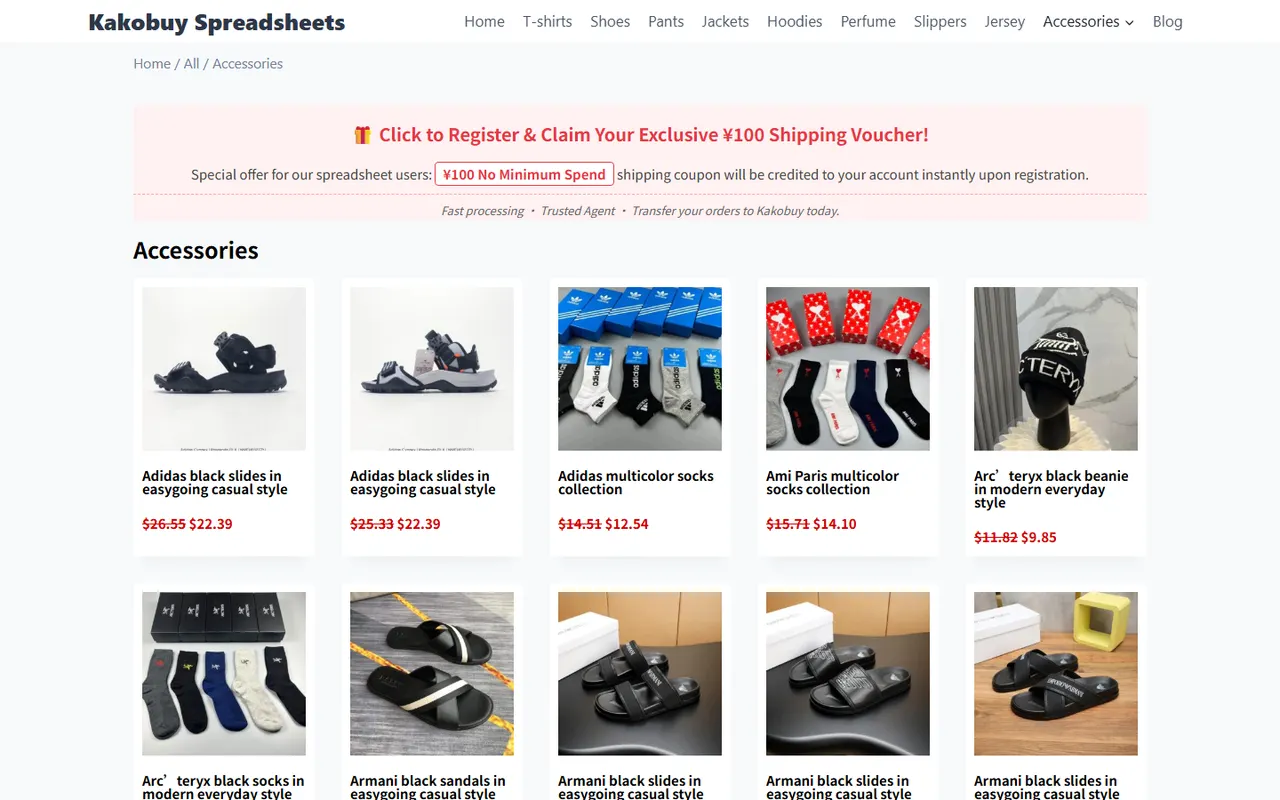
On Kakobuy, start by using the category or brand browsing entry relevant to hats to narrow down, then observe whether the page provides product name, images, selectable specs, and a path to the detail page. Don't decide based only on thumbnails or category names, because category pages may contain duplicate entries, similar images, or incomplete pages.
Follow a broad-to-narrow order:
- Enter the hat-related category and confirm the page truly belongs to the target type.
- Narrow down using brand entry or available filters.
- For each item that might fit your use, record the page title, URL, visible specs, and open questions.
- Open the detail page and recheck whether images, color, size, material description, and seller or source info are still visible.
- Don't record "looks similar" as the same item; keep page evidence for now.
<img src="https://kakobuy.tips/wp-content/uploads/2026/10/site-kakobuy-hat-brand-browsing-build-a-shortlist-3c7c3490.webp" alt="Kakobuy Hat Brand Browsing: Build a Shortlist featured image for kakobuy">
If the page layout or field names differ from the illustration, rely on the current Kakobuy page's actual content. Platform interfaces may change; don't fill in fields you can't confirm on the current page.
Organize by Hat Type, Color, and Wear Purpose
After collecting candidates, stop browsing in page order. Rearranging items by use helps you spot truly comparable candidates faster and avoids double-counting the same page in different categories.
Use a three-level classification:
- First level by hat type, e.g., brimmed, brimless, foldable, or large coverage.
- Second level by primary use, e.g., everyday, workwear, outdoor, or seasonal.
- Third level by color and structure, e.g., dark, light, solid, patterned, adjustable, or fixed size.
When classifying, record only what the page explicitly shows. Material thickness, actual color, comfort, and durability that you can't confirm from images should not be stated as fact. Color may also be affected by screen, lighting, and image processing, so it's better to mark as "page display color" rather than asserting the real color.
Assign each candidate a simple status:
- To verify: page has potential, but key fields unconfirmed.
- Comparable: hat type, use, and basic specs have visible evidence.
- Insufficient info: missing important information affecting purchase decision.
- Excluded: doesn't match use case, or page has obvious duplicates, broken links, or access issues.
Distinguish Brand Series Info from Individual Product Page Info
Brand entries usually only help you discover a range, not replace individual page verification. Series names, category labels, and thumbnails are navigation clues; color, size, material, inventory, seller info, and after-sales terms must be confirmed on the specific product page.
Especially watch for these confusions:
- A series may contain different hat types; don't infer structure from the series name alone.
- The same color name may correspond to different fabrics or page versions.
- Category page titles may be truncated; record the full info from the detail page.
- Similar images don't mean identical specs, sellers, or page sources.
- Promotions or inventory info visible on the page are time-sensitive; note the verification date.
If series info conflicts with the individual page, prioritize the individual page's visible evidence and note the conflict in the open questions. Don't fill gaps with brand common knowledge, other websites, or model memory. 🔎
Handle Duplicate Listings and Incomplete Descriptions
Duplicates aren't necessarily the same product; they may just have similar images, titles, or colors. Before merging, compare at least page URL, full title, images, selectable specs, and page description. If you can't confirm, keep as two entries and note "possible duplicate, pending review."
For incomplete pages, handle as follows:
- Missing head circumference or size: mark as pending, don't assume fit.
- Missing material: don't guess fabric or warmth from appearance.
- Missing color options: record only the colors explicitly shown.
- Image-text mismatch: keep the conflict and wait for detail page or customer service confirmation.
- Page can't be accessed: exclude from valid candidates, save check time and page status.
- Only category labels, no clear product info: use as browsing clue, not purchase candidate.
This way, your shortlist won't be diluted with unverifiable entries just to increase quantity. Fewer candidates doesn't mean browsing failed; the key is that each remaining entry supports the next action.
Use a Table to Record Candidates, Evidence, and Open Questions
A practical shortlist should record both "what you saw" and "what you don't know yet." Use these fields to avoid writing personal impressions as facts:
| Field | Suggested content |
|---|---|
| Page title | Full title visible on current page |
| Page URL | For reopening and rechecking later |
| Hat type & use | Only fill in classifications clearly supported by page or filter results |
| Color & specs | Record visible options; write "no description seen" for missing items |
| Evidence location | Category page, detail page, images, or specs section |
| Open questions | Head circumference, material, inventory, seller, after-sales, etc. |
| Status | To verify, comparable, insufficient info, or excluded |
| Verification date | Record this check's date to identify outdated info |
Try to use neutral descriptions from the original page. For example, "page shows adjustable structure" is more reliable than "will definitely be comfortable"; "page doesn't show material" is more accurate than "material is average." The shortlist's value lies in preserving evidence boundaries, not creating a false sense of certainty.
Recheck Size, Color, and Links Before Ordering
After completing the shortlist, don't order immediately. Reopen each page you still consider, confirm it hasn't redirected, broken, or changed content, then check item by item:
- Does the selected hat type still match your original purpose?
- Is size or head circumference info sufficient?
- Does the color name match your current selection?
- Are there conflicts between images, text, and specs?
- Is the product page still accessible with clear product info?
- Do price, inventory, seller, shipping, taxes, and after-sales need rechecking?
- If customer service confirmation is needed, have you written questions as directly answerable sentences?
Before ordering, also confirm destination country's import restrictions, taxes, and declaration requirements. Don't solve cost issues by under-declaring, splitting orders, or evading inspections. Hats are relatively easy to overlook as small light items, but small doesn't mean no size, route, compliance, or after-sales risks. 📦
Build an Actionable Hat Shortlist
The final shortlist shouldn't just be a bookmark folder; it should directly guide next steps. Keep only a few candidates that truly match your purpose, have relatively complete evidence, and solvable open questions; move the rest to hold or exclude.
Wrap up with this format:
- Top candidates: purpose matches, page info fairly complete, still need to recheck time-sensitive fields.
- Backup candidates: similar purpose, but open questions on color, size, or structure.
- Hold candidates: page accessible, but key descriptions insufficient, waiting for more info.
- Excluded candidates: duplicates, broken, purpose mismatch, or unconfirmable page source.
Add one clear action after each candidate, like "reopen detail page to confirm head circumference," "ask about material and available colors," or "verify destination shipping and taxes." This turns browsing from aimless page-flipping into a checkable decision process.
This method doesn't save a fixed amount of money, but reduces time lost to repeated browsing, wrong spec selection, and rework due to insufficient information. The cost is upfront list maintenance and rechecking due to page changes. It suits people comparing multiple hat types, colors, or uses, not those wanting to buy a single already-specified item immediately. If pages lack enough individual product evidence, or your key questions involve authenticity, legal compliance, final costs, and after-sales promises, don't order based solely on this shortlist. ✅
Article Image