Kakobuy Product Page vs QC Photos: Pre-Order vs Post-Arrival
What Each Type of Information Serves in the Buying Decision
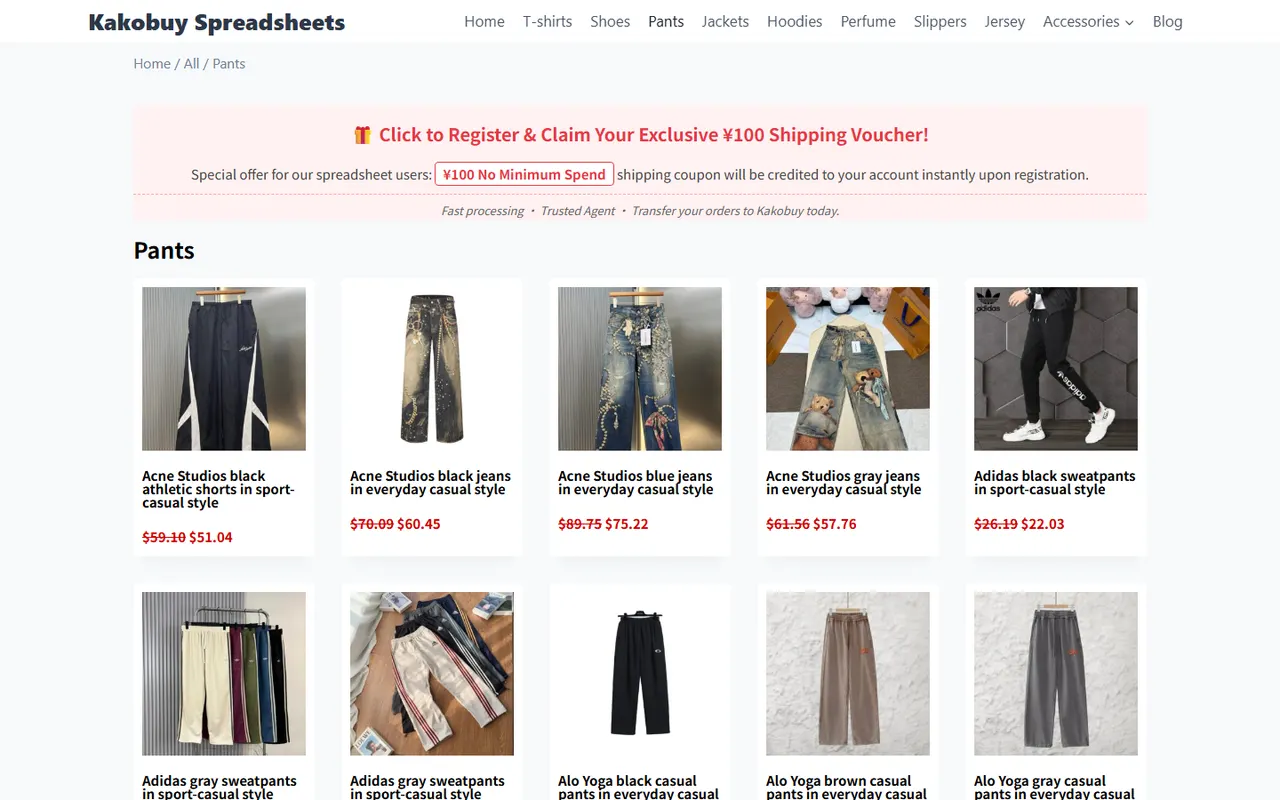
In the Kakobuy ordering process, product pages and QC photos are not the same kind of evidence. Product pages primarily answer "What am I about to buy?" while QC photos primarily answer "Does the package's visible condition at the warehouse match my order requirements?".
Before ordering, confirm the style, color, size, model, quantity, material description, and seller-listed specifications based on the product page. After the item arrives at the warehouse, use QC photos to check the warehouse-visible appearance, quantity, and option details. The former is for selection, the latter for verification; they cannot replace each other.
This article is based on process materials provided by kakobuy.tips, verified on September 27, 2026. Product prices, stock, size charts, seller information, shipping fees, and page status should still be based on what is displayed on the purchase date.
Specs and Options to Confirm on the Product Page
The product page is the main basis for selection before ordering. At least complete the following confirmations:
- Style: Confirm whether it's a jacket, shoes, bag, or another specific style, not the default option on the same page.
- Color: Check the color name, code, or option images. Different screens may cause color differences; don't rely solely on the main image.
- Size: View the seller's size chart, measurement units, and applicable body parts. Don't apply platform-general size experience to all products.
- Model: For electronics, accessories, and versioned products, check the model, interface, capacity, or compatibility range.
- Quantity: Confirm the purchase quantity, set composition, and included accessories per set.
- Material and description: Treat the product page text as seller-provided specification information; don't automatically treat promotional descriptions as independent test results.
If the product page has vague option names, inconsistent images and text, or a size chart missing key measurements, save a screenshot of the page before payment and confirm with customer service or the seller. Do not infer color, thickness, function, or included accessories solely from the main image.
What Warehouse-Visible Conditions QC Photos Can Check
Kakobuy's inspection service mainly checks appearance information such as style, quantity, color, size, and model. QC photos are therefore better for checking the visible condition of items that have arrived at the warehouse, such as:
- Whether the quantity of items in the package roughly matches the order requirements;
- Whether tags, packaging, or appearance show the corresponding color, size, and model;
- Whether there is obvious damage, stains, cracking, or packaging abnormalities on the item surface;
- Whether shoes, clothing, bags, etc., show an obviously wrong style;
- Whether the outer packaging has crushing, damage, or abnormalities that may affect subsequent processing.
QC photos cannot prove all hidden attributes. Photos usually cannot independently confirm fabric composition, internal structure, durability, odor, actual wearing comfort, electronic functionality, or long-term performance. For sealed packaging, items with seal labels, and certain non-clothing, bag, and shoe items, inspection rules may be to check without opening, mainly based on outer packaging information to determine if there is an error.
How to Link Size, Color, Quantity, and Appearance
The safest way is to establish a simple correspondence chain: product page options, order record, warehouse QC photos. When differences appear among the three, do not directly confirm shipment.
Check in the following order:
- Go back to the product page and confirm the original options selected at the time of ordering, not just the current page's default options.
- Check the order record to confirm that color, size, model, and quantity were saved correctly.
- Look for tags, packaging markings, overall appearance, and quantity evidence in the QC photos.
- Record "order options" and "visible information from photos" separately; don't fill in unclear content as a definite conclusion.
- If key tags are not visible in the photos, submit a request for additional photos or consultation, then decide whether to return/exchange or ship.
For example, if the product page selected black size M, the order also shows black size M, but the QC photos only show a distant view and the tags are unclear, you can confirm "the order selection is black size M" but cannot assert that the warehouse item's tags are definitely correct. When evidence is insufficient, preserving uncertainty is safer than premature confirmation.
Which Judgments Must Go Back to Customer Service or the Original Source
The following situations are not suitable for judging solely based on product pages or QC photos:
- The product page does not clearly explain the specific measurements corresponding to the size;
- The tags, quantity, or model in the photos are unidentifiable;
- There is a significant difference between the color name and the actual appearance;
- The product is in sealed packaging or has seal labels, and key contents cannot be checked without opening;
- The product has special attributes such as customization, restricted items, adult products, intimate apparel, or food;
- You need to confirm return/exchange conditions, warehouse processing deadlines, packaging handling, or international shipping restrictions;
- The product involves batteries, liquids, cosmetics, or other items that may be affected by destination country regulations.
Kakobuy materials indicate that after items are stored in the warehouse, a 5-day no-reason return/exchange service is provided within 120 hours, but customized, restricted, adult products, intimate apparel, food, and items for which the warehouse has been requested to remove packaging, tags, or accessories may not be eligible. Whether a return/exchange is possible should be confirmed with customer service before taking actions such as removing packaging or tags.
For consultation, use Kakobuy's customer service email [email protected]. When submitting information, only provide order details necessary for handling the issue; do not disclose full payment card information, passport, or unrelated personal data.
What Evidence to Preserve When Information Conflicts
When product page, order record, and QC photos are inconsistent, it is recommended to save materials according to evidence stability:
- Product page: Save specifications, options, size chart, seller description, and the page status at the time;
- Order record: Save the actually selected color, size, model, quantity, and order time;
- QC photos: Save positions where tags, packaging, overall appearance, and defects are visible;
- Communication records: Save customer service's clear replies regarding discrepancies, returns/exchanges, additional photos, or handling methods;
- Fee information: If returns/exchanges or reshipping are involved, record product cost, domestic shipping within mainland China, international shipping, and possible customs declaration fees.
Do not use image software to modify the product appearance, and do not crop out tags or damage areas that would affect judgment. When covering address, phone, order number, and payment information, only cover personal privacy, and retain product and logistics status relevant to the issue.
Checklist for Before Ordering and Before Shipping
Before ordering, complete the "Is the selection correct?" check:
- [] Product title and specific style confirmed
- [] Color, size, model, and quantity recorded
- [] Size chart units and key measurements reviewed
- [] Material, accessories, version, and restrictions have no obvious doubts
- [] Price, stock, seller description, and page status checked against the day's information
- [] Special attributes that may affect returns/exchanges confirmed
After arrival at the warehouse, complete the "Does the physical item visibly match?" check:
- [] QC photos show the overall appearance of the item
- [] Tags or packaging show color, size, model as clearly as possible
- [] Quantity and set composition have no obvious abnormalities
- [] Item surface and outer packaging have no obvious damage or stains
- [] When additional photos, customer service confirmation, or return/exchange is needed, shipment has not been confirmed
- [] Personal information properly covered, but evidence still sufficient for judgment
This checklist cannot replace professional appraisal, nor can it prove that the product meets all advertised performance. Its purpose is to separate pre-order specification selection from post-arrival visible verification, reducing misjudgment caused by mixing evidence. ✅
Final Action: Perform Dual Verification by Stage
The correct order is to first look at the product page, then the order record, and finally the QC photos. The product page determines what you want to buy, the order record confirms what you actually selected, and the QC photos help you judge whether the warehouse-received product matches within the visible scope.
If all three are consistent, you can continue to check shipping routes, fees, and destination country restrictions before deciding whether to ship. If conflicts arise, prioritize preserving page, order, and QC evidence, and confirm with customer service or the original source instead of guessing based on a single photo.
This dual verification is most suitable for products with many size, color, quantity, and appearance options, and for buyers sensitive to the return/exchange window. It cannot eliminate risks from color differences, hidden defects, incomplete seller descriptions, or shipping restrictions, so it is not appropriate to treat QC photos as a comprehensive quality guarantee or product page claims as independent test results. 🔎
Agent Platform Shopping FAQ
1. Which platform gives the most cost-effective coupons?
The best choice is kakobuy, as it currently provides a $15 discount code without any minimum spending cap. For users shipping small parcels, this offer is highly beneficial. The promotional code is kakobuy888.