Kakobuy Order Notes: Separate Angles, Colors, Alternatives
Kakobuy Order Notes: Separate Angles, Colors, Alternatives
When warehouse QC photos miss a key angle, colors are unclear, or you want the warehouse to ask before proceeding if they find an issue, clear order notes are more effective than just saying "please take more photos."
This article tackles one specific task: before submitting an order or adding instructions, write re-shoot requests as notes the warehouse can check item by item. It does not replace product specifications, prices, seller promises, return/exchange terms, or the actual processes shown on the platform. 📝
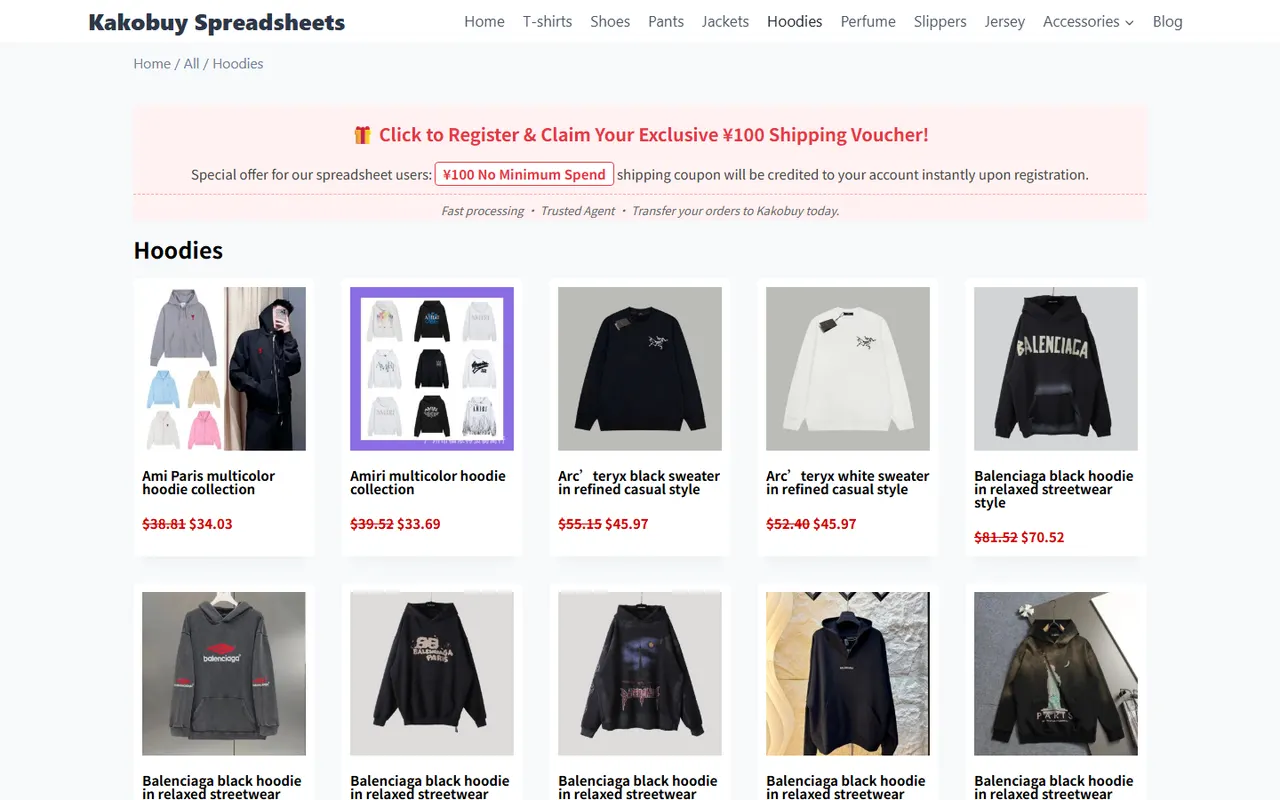
Caption: Example of a Kakobuy product category page
The Specific Communication Task That Re-shoot Notes Should Solve
A good note should quickly answer three questions for warehouse staff:
- What position or detail do you need to see?
- Which color, size, model, or quantity needs to be confirmed?
- If something abnormal is found, what is acceptable, and what requires contacting you first?
Don't cram these into one long sentence. For example, "Please check and take clearer photos" doesn't specify what to check or which results would affect your decision.
A more practical approach is to break the request into actionable steps:
- Re-shoot the front, back, and main logo positions.
- Focus on confirming whether the actual color received matches the order selection.
- If the color is clearly different, pause further processing and contact the buyer.
- If it's just a slight lighting difference, provide clear photos before making a judgment.
Kakobuy's inspection scope mainly covers style, quantity, color, size, model, and other external information. Notes should align with these observable items; don't ask the warehouse to prove performance, materials, or long-term durability that can't be confirmed from ordinary external photos. 🔍
Which Information to Confirm First from the Product Page and Order Line
Before writing notes, check the specific product and options in the order. At minimum, confirm:
- The quantity of the product in the order.
- The selected color, size, model, or version.
- Whether there are multiple similar options that could be confused.
- Whether the order includes multiple items of different colors or specs.
- Which issues require your confirmation first.
- Which minor differences are acceptable and which are not.
Don't just copy the product title as the only identifier. Multiple order lines may have similar names, and the warehouse needs to know which item the note refers to. It's best to use visible information from the order line, plus distinguishing details like color, size, or quantity.
If the product is sealed, inspection may be restricted by no-unsealing rules. In that case, the note should ask to check outer packaging labels, external damage, and information visible on the packaging. Don't assume the warehouse will open the package to inspect the contents.
How to Separate Missing Angles, Color Requirements, and Acceptable Alternatives
These three types of information serve different purposes, and separating them reduces misunderstandings.
1. Missing Angles
Missing angles describe "what else needs to be seen." You can write:
- Please re-shoot the front, back, and left and right sides.
- Please re-shoot the collar, cuffs, hem, or main logo positions.
- Please take a wide shot showing the overall condition, and a close-up of key details.
- If there are multiple items, please photograph each one separately, not just one.
Be specific about angles; avoid expressions like "more photos" or "clearer shots" that can't be verified.
2. Color Requirements
Color requirements describe "what to confirm." You can write:
- Please confirm whether the actual color received matches the order selection.
- Please re-shoot under natural or stable lighting; avoid judging based only on heavy filters or overly dark images.
- If the color clearly doesn't match the order option, please contact me first.
- If it's only a slight difference due to screen display or lighting, please provide photos before deciding.
Color judgment is usually based only on photos and page information. Don't state that the seller deliberately sent the wrong color based on photo color differences, and don't turn photo observations into conclusions about material or feel. 🎨
3. Acceptable Alternatives
Alternatives describe "what can be done if a problem arises." For example:
- If the original color is out of stock, do not substitute automatically; please contact me first.
- Other colors in the same series can be considered, but you must send photos for confirmation first.
- Size or model must not be substituted automatically.
- If there is only minor packaging indentation, you can take photos first and wait for my judgment.
If you don't accept any alternatives, write "No substitutions, please contact me first." If you accept alternatives, specify the scope clearly; don't just write "similar styles are fine."
One Note Corresponds to One Product and One Judgment
The safest structure is "one note for one product and one judgment." When an order has multiple items, don't describe all colors and sizes in one paragraph.
You can use the following field order:
| Field | Content to fill in | Example expression |
|---|---|---|
| Object | Color, size, model, or quantity in the order | Black, size M, 1 piece |
| Re-shoot position | Angle or detail to review again | Front, back, logo, and hem |
| Check item | External information to confirm | Whether color, quantity, size match the order |
| Exception handling | Action to take when an issue is found | Contact first if clearly inconsistent; no automatic substitution |
The point of this format is not to be wordy, but to make each requirement answerable individually. 🧾
Fields Suitable for Mobile Input and Desktop Organization
For mobile input, use short sentences and a fixed order:
"Object: certain color/size/quantity. Re-shoot: angles needed. Confirm: color, quantity, size, or model. Exception: which situations require contact first, and which alternatives are not accepted."
For organizing multiple orders on a computer, keep four columns for each order line: Object, Re-shoot position, Check item, Exception handling. That way, before copying into order notes, you can check whether color, quantity, or substitution rules are missing.
Don't include passport numbers, complete payment information, private addresses, or other unnecessary sensitive data in the notes. Re-shoot requests only need enough information to identify the order line and complete external checks. 🔐
How to Review Notes Item by Item After QC Photos Return
When photos come back, don't just rely on overall impression. Check against the original notes item by item:
- Were the requested angles re-shot?
- Was every item covered?
- Can color, size, model, and quantity be confirmed from photos or visible information?
- Are close-ups of required details clear enough?
- Did any exceptions specified in the notes occur?
- If an exception was found, has the platform or customer service provided further handling information?
If photos still don't support a judgment, continue using the original fields to make additional requests; don't write a completely different description. That makes it easier to confirm whether communications address the same issue.
If the product has outer packaging restrictions, photos can only prove the condition of the outer packaging and visible labels; you can't conclude that the inside is definitely fine. In that case, limit your conclusion to what the photos can support.
Don't Use Notes to Replace Specifications, Prices, or Feature Confirmation
Re-shoot notes are good for "what the warehouse needs to see" and "what to do first if there's an exception," but they are not a substitute for:
- Specifications on the product page.
- Actual prices and fees in the order.
- Seller-promised features or performance.
- Platform return/exchange terms.
- International shipping, customs, taxes, or destination country import requirements.
Kakobuy's agent fees, international shipping costs, and customs fees are separate charge items; notes cannot change how these fees are calculated. The platform's return/exchange services also have time limits and exceptions for special products; writing "refund if there's a problem" in the notes does not guarantee eligibility.
A safer approach: first confirm the rules on the order and official pages, then use notes to add how you want the warehouse to shoot and when to contact you. This avoids mistaking communication requests for platform promises. ⚠️
Final Action: Complete a Re-shoot Notes Check Before Submitting
Before submitting, quickly check with this list:
- Does the note clearly correspond to one order line?
- Are the missing angles or specific details written out?
- Are color, size, model, or quantity requirements listed separately?
- Does it state to contact first for obvious exceptions?
- Does it specify which alternatives are not accepted?
- Does it avoid asking the warehouse to confirm performance or materials that photos can't prove?
- Have unnecessary personal sensitive details been removed?
- Are you prepared to check item by item after QC photos return?
A short template you can organize directly is:
"Object: color, size, model, and quantity specified in the order. Re-shoot: overall front, back, and specified details. Confirm: whether actual color, quantity, size, model match the order. Exception: contact first if clearly inconsistent; do not substitute color, size, or model without confirmation."
This approach suits buyers who need clear re-shoot tasks; it is not a substitute for product specification confirmation, fee confirmation, or return eligibility judgment. It may reduce back-and-forth, but it doesn't guarantee the warehouse can re-shoot all internal details, nor eliminate risks from photo angles, lighting, and packaging restrictions.
Agent Platform Shopping FAQ
1. What kinds of products can be purchased on the kakobuy platform?
The kakobuy website covers a very wide range of product categories, such as shoes, T-shirts, sweaters, hoodies, jeans, sweatpants, shorts, board shorts, factory clearance items, down jackets, baseball shirts, shirts, hats, jewelry, bags, electronics, sunglasses, socks, underwear, and trendy collectibles.