Kakobuy Mobile Spreadsheet Workflow
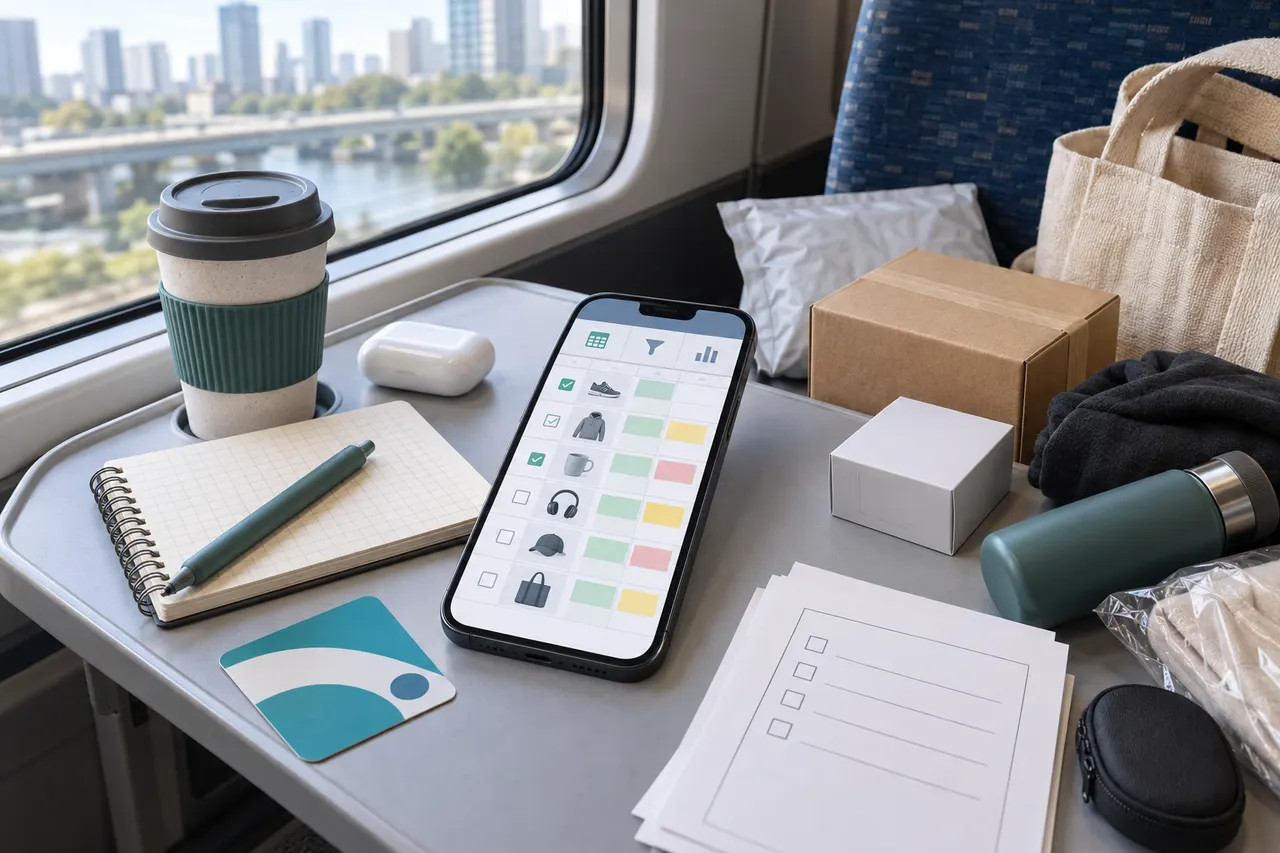
Caption: Illustration of quick filtering of candidate products on mobile.
Specific tasks mobile users need to complete
When using kakobuy-related spreadsheets to screen products during commutes, the real goal isn't to place an order immediately, but to narrow down a batch of seemingly suitable products to a few candidates. With a small screen, unstable network, and difficulty seeing image details, a phone is better suited for a first-round judgment: first eliminate obviously unsuitable links, then keep the products worth rechecking on a computer.
This article is for people who already have a product list in Spreadsheet or Google Sheets and want to quickly browse candidates on a phone. After reading, you should be able to decide: which fields to look at first, which links to keep temporarily, and which must wait for desktop review.
Also state clearly what is not applicable: if you are verifying size details, payment amounts, international shipping costs, return/exchange windows, or customs documentation, mobile is only for auxiliary viewing and not recommended as the final confirmation environment. 📱
Verification date: 2026-09-08. The kakobuy platform information used in this article comes from current writing materials. Content involving coupons, exchange rates, shipping routes, storage periods, and return/exchange rules may change. Before actual operation, refer to the kakobuy page and order settlement page.
Mobile browsing of kakobuy website Spreadsheets
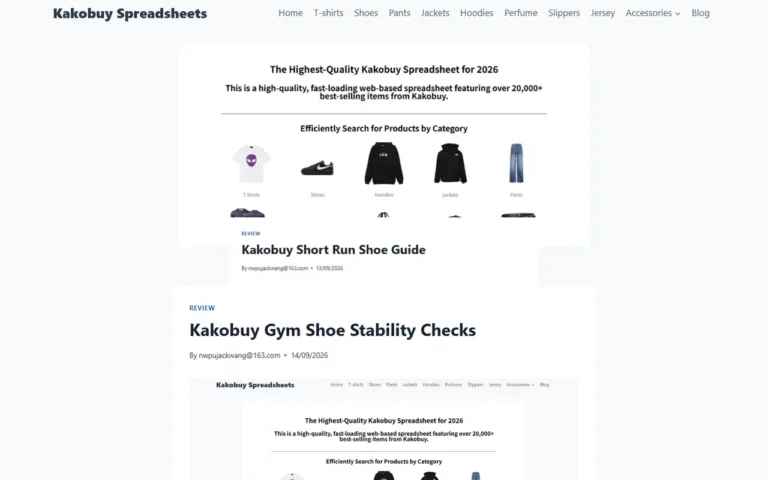
Website-type Spreadsheets are usually more suitable for quick browsing because after opening, you may not need to switch to a separate spreadsheet app. You can directly scroll up and down in the phone browser, first looking at product names, image previews, price ranges, seller or platform links, and then decide whether to open the detail page.
When browsing on mobile, it is recommended to filter in this order:
- First check whether the product name is clear, and skip rows with only keywords, numbers, or vague descriptions.
- Then see if the image helps identify the style, color, or set contents.
- Then check whether the product link can open to a specific product page, rather than a search page, tag page, or invalid page.
- Finally, mark rows that need desktop review, such as products with unclear size charts, too-small images, complex price conditions, or insufficient seller information.
kakobuy's purchasing service fees usually consist of product cost, international shipping, and customs declaration fees. When quickly screening on mobile, don't decide whether to keep an item based solely on the listed price. A low-priced product that is bulky, heavy, or has route restrictions may not be cost-effective after estimating on desktop.
Advantages of organizing candidates with Google Sheets on mobile
Google Sheets' advantage is organization and collaboration. On mobile, you can use filters, freeze the first row, comments, color coding, and dropdown statuses to make candidates that are "viewed but not confirmed" clearer. 🚇
If you often browse products in fragmented time, it's recommended to keep the list fields simple and not maintain an overly wide table on mobile. Fields suitable for mobile include: product name, product link, image, price note, candidate status, and reason for review.
Google Sheets is also suitable for dividing candidates into several statuses:
- Keep: Product information is basically clear and worth reviewing on a computer.
- Pending: Image, specifications, stock, or seller information is insufficient.
- Discard: Invalid link, product mismatch, unclear price conditions, or excessive risk.
The benefit is that when you return to desktop, you don't need to browse from scratch again; just handle the "Keep" and "Pending" rows.
Item-by-item comparison of search, zoom, scroll, and return path
The easiest place to waste time on mobile is opening a product link and then not being able to find the return position in the original spreadsheet. Therefore, which spreadsheet method to choose depends on whether you most often browse, search, or record.
| Comparison Item | Website Spreadsheet | Google Sheets Mobile |
|---|---|---|
| Quick open | Convenient for direct viewing in browser | May require spreadsheet app or login |
| Search product name | Suitable for simple page search | Suitable for column search and filtering |
| Zoom image | Depends on webpage adaptation | Can view with cell images and links |
| Return to original position | Browser back may lose position | Spreadsheet position is usually more stable |
| Status marking | Usually weaker | Suitable for colors, comments, and status columns |
| Multi-person collaboration | Depends on website features | More suitable for sharing and syncing |
If you just want to quickly scan on the subway, a website Spreadsheet is lighter. If you need to organize candidates over several days, Google Sheets is more stable. You don't have to choose one or the other: you can use a website spreadsheet to discover products and Google Sheets to save the final candidates.
Verification boundaries for product image preview and link opening
Mobile images can only be used for preliminary identification, not for final quality judgment. kakobuy's inspection service mainly verifies appearance information such as style, quantity, color, size, and model; for non-clothing, bags, shoes in sealed packaging or with sealing labels, they usually do not open the package for inspection, only check for external damage and determine matching based on outer packaging information.
Therefore, when viewing images on mobile, you can judge these:
- Whether the product category matches your target.
- Whether the color, style, or set quantity is obviously inconsistent.
- Whether the product page has a sufficiently clear title and visible information.
- Whether you need to wait for warehouse QC images to make a final judgment.
But do not directly judge these on mobile:
- Material feel, true workmanship, and durability.
- Whether the size will definitely fit.
- Whether the product is authentic or officially authorized.
- Whether international shipping is ultimately cost-effective.
If the product link opens to only search results, a blank page, a redirect page, or an unrecognizable product name, mark it as "Pending" or "Discard" and do not treat it as a valid candidate. 🔍
Scenarios suitable for mobile quick screening vs. desktop review
Mobile is suitable for light judgment, desktop for heavy decisions. Especially involving costs, routes, after-sales, and customs, desktop makes it easier to simultaneously open product pages, kakobuy order pages, shipping estimates, and candidate spreadsheets.
Scenarios suitable for mobile quick screening:
- First eliminate obviously irrelevant styles from dozens of products.
- Add "Keep, Pending, Discard" statuses to candidate products.
- Record why review is needed, such as missing size chart or too few images.
- Check whether the product belongs to categories possibly subject to route restrictions, such as beauty, electronics, or special materials.
Scenarios suitable for desktop review:
- Verify product specifications, size charts, quantity, and set contents.
- Compare kakobuy fee structure, including product cost, domestic shipping, international shipping, and customs declaration fees.
- Review available shipping routes, destination country restrictions, transit times, and chargeable weight.
- Handle after-sales judgments, such as whether the item is still within the 120-hour return/exchange window after warehouse entry.
kakobuy's current materials show that the free storage period for regular warehousing is 100 days, and for abnormal packages it is 60 days; within 120 hours after warehousing, 5-day unconditional returns and exchanges are usually supported, but custom items, restricted items, adult products, intimate apparel, food, and products where the warehouse has been requested to remove packaging, tags, or accessories may not apply. Recheck the latest page before ordering. ✅
Candidate list fields after commute quick screening
A good candidate list does not need to be complex. Too many fields slow down mobile entry and ultimately no one maintains it. Keep mobile fields within a range that supports the next step of desktop review.
| Field | How to fill on mobile | How to use after returning to desktop |
|---|---|---|
| Product name | Keep original title or short identifier | Verify consistency with detail page |
| Product link | Paste specific product page link | Check accessibility and redirects |
| Image note | Write visible info like color, style, set | Compare with product page and QC images |
| Price note | Record page visible price or questions | Recheck currency, shipping, and conditions |
| Candidate status | Keep, Pending, Discard | Decide whether to proceed to pre-order review |
| Review reason | Size unclear, few images, route possibly restricted, etc. | Build desktop checklist |
If you need rough estimates in RMB and USD, current materials give a reference exchange rate of 6.22. This number is only for example background in the writing materials and should not replace actual payment page, bank card statement, or third-party exchange rate display.
Final action: screen on mobile first, confirm on desktop
The most practical workflow is: mobile only reduces choices, desktop confirms choices. During commute, open kakobuy-related Spreadsheet or Google Sheets, delete or mark obviously unsuitable products as Discard, mark questionable but potentially valuable products as Pending, and keep products truly worth reviewing.
After returning to desktop, process in this order:
- Open the original link for each kept product and confirm that product name, images, specifications, and visible information are still valid.
- Check product cost, mainland China shipping, international shipping estimate, and customs declaration fee shown on kakobuy order page.
- Choose shipping route based on destination country, product category, weight, and volume, not just the lowest price.
- After product enters warehouse, check QC information and handle obvious mismatches within the return/exchange window.
- For products that need consolidation, calculate risk again: consolidation may save repeated first weight or handling costs, but may also increase volumetric weight, package value, and per-shipment loss risk.
This method saves screening time, not guarantees lowest total cost. It is suitable for people with many candidates needing prioritization; not suitable for those already in final confirmation of payment, customs, after-sales, or high-value products. Screen on mobile, confirm on computer, can reduce impulse buying and allocate kakobuy's warehouse inspection, logistics selection, and after-sales windows to places that need checking more. 🧾
Agent platform shopping FAQ
1. What methods can I use to find products on kakobuy?
You may enter a single keyword or navigate straight to the category section, where items are further grouped by brand. Using longer search phrases generally yields fewer results than shorter ones, yet the matches are more exact. For instance, you could look up "Air Force 1 White," "sneakers," or just "Air Force 1."
2. Why does kakobuy rely on spreadsheets for shopping?
Since agent platforms like kakobuy typically do not showcase products directly, a spreadsheet becomes necessary to locate the items you want and obtain their purchase links. As an alternative, you can ask for suggestions on Reddit or Discord; the products shared there are often outstanding, but the purchasing procedure tends to be slow. Such spreadsheets are usually built up over a long stretch of time from data collected on those platforms.
3. What steps should I follow on kakobuy if I'm unhappy with an item I received?
Reach out to kakobuy's customer service desk without delay. For Chinese sellers, most items that are not specialty goods include a 5-day unconditional return and exchange window. If you are dissatisfied, you can ask for a return. When the package has already departed the warehouse and reached your home, and you then spot a quality problem, contact kakobuy's customer support so they can assist you in talking with the merchant to work out compensation.
Customer service email addresses for each platform are listed here:
kakobuy: [email protected]
oopbuy: [email protected]
usfans: [email protected]
hipobuy: [email protected]
superbuy: [email protected]
4. Which product categories are available in kakobuy's spreadsheets?
The website's spreadsheets cover shoes, clothing, bags, accessories, jerseys, perfumes, hats, scarves, belts, along with assorted household and daily-use goods.
5. How do I determine if a product on kakobuy is of good quality?
To evaluate quality, examine the QC photos—do not depend only on factory images, as those are usually edited. Use the QC pictures to verify that the item matches your precise detail requirements before you decide to complete the purchase.
Additionally, steer clear of items with extremely low prices, since they generally are not of very good quality.